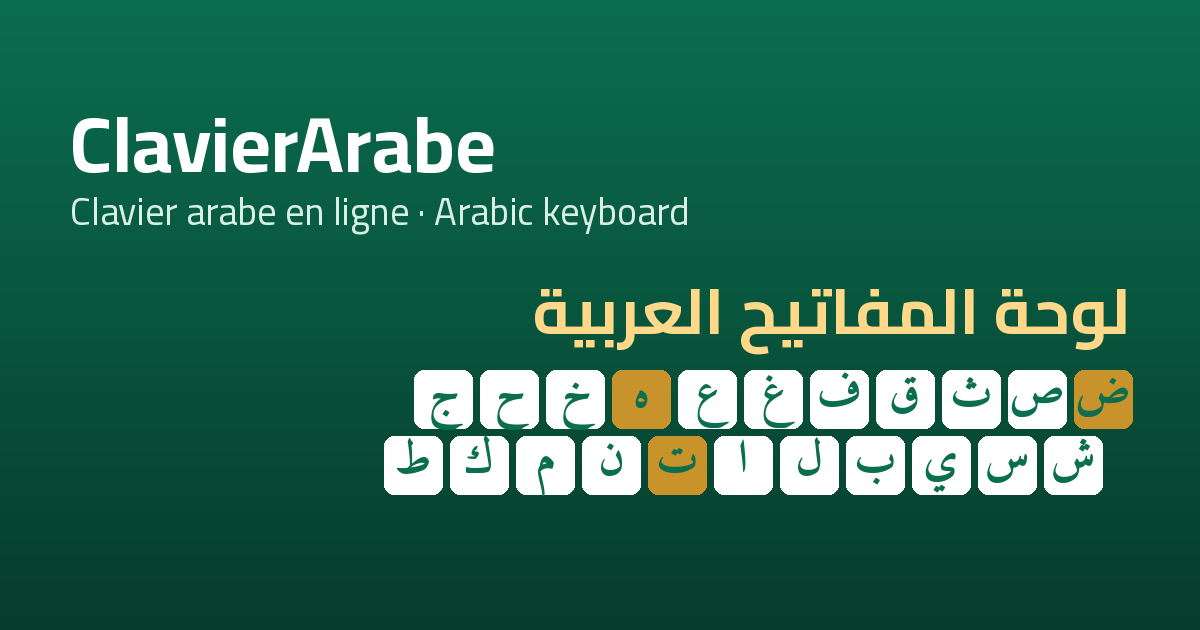
Searching for an "English to Arabic keyboard"? You do not need new hardware. The standard Arabic keyboard layout is built into every major operating system and maps each Arabic letter onto a key of your existing QWERTY keyboard. This guide gives you the complete key map, the Shift combinations for vowels and hamza, and the quickest ways to start typing.
Want to type right now? Our free online Arabic keyboard works in any browser, with on-screen keys, a physical-keyboard mode and phonetic input.
What is the standard Arabic keyboard layout?
The most widely used layout is called Arabic (101) on Windows, and it is mirrored by the "Arabic – PC" layout on macOS. It is the layout printed on most bilingual English–Arabic keyboards sold in the Middle East. Key points:
- Letters are assigned by physical position, not by sound: Q gives ض, not ق.
- Every letter is typed in its isolated form; the system automatically joins letters into initial, medial and final forms.
- Text direction switches to right-to-left automatically in most apps.
- Short vowels (harakat) and alif-hamza forms sit on the Shift layer.
Arabic keyboard layout: full QWERTY key map
| Row | QWERTY keys | Arabic letters (same order) |
|---|---|---|
| Top | Q W E R T Y U I O P [ ] | ض ص ث ق ف غ ع ه خ ح ج د |
| Home | A S D F G H J K L ; ' | ش س ي ب ل ا ت ن م ك ط |
| Bottom | Z X C V B N M , . / | ئ ء ؤ ر لا ى ة و ز ظ |
| Number row | ` (backtick) | ذ |
Read each row left to right on the keyboard: for example, on the home row A = ش, S = س, D = ي, F = ب, G = ل, H = ا, J = ت, K = ن, L = م, ; = ك and ' = ط. Minor punctuation keys can differ between Arabic (101), (102) and Mac variants, so test a few keys after switching. Microsoft lists every official layout on its Windows keyboard layouts reference page.
Shift combinations: harakat, hamza and lam-alif
| Keys | Character | Name |
|---|---|---|
| Shift + Q | َ | fatha (short a) |
| Shift + W | ً | tanwin fath (-an) |
| Shift + E | ُ | damma (short u) |
| Shift + R | ٌ | tanwin damm (-un) |
| Shift + A | ِ | kasra (short i) |
| Shift + S | ٍ | tanwin kasr (-in) |
| Shift + X | ْ | sukun (no vowel) |
| Shift + ` | ّ | shadda (doubled consonant) |
| Shift + H | أ | alif with hamza above |
| Shift + Y | إ | alif with hamza below |
| Shift + N | آ | alif madda |
| Shift + G / T / B | لأ / لإ / لآ | lam-alif with hamza or madda |
Always type the consonant first, then the vowel mark. For French speakers, the same positions are explained for AZERTY keyboards in our guide to the Arabic keyboard on AZERTY (in French).
How to enable the Arabic keyboard layout
Windows 10 and 11
- Open Settings > Time & language > Language & region.
- Click Add a language and choose an Arabic variant (for example Arabic – Saudi Arabia).
- Untick "Set as my Windows display language" if you want to keep English menus.
- Switch layouts with Windows + Space (or Alt + Shift if enabled).
macOS
- Open System Settings > Keyboard > Input Sources > Edit.
- Click +, choose Arabic, then pick Arabic – PC to match the Windows layout.
- Switch with Control + Space or the globe key.
Android and iPhone: add Arabic in your keyboard settings (Gboard > Languages, or Settings > General > Keyboard > Keyboards on iPhone) and switch with the globe key. Our step-by-step guides in French cover Android and iPhone.
Layout keyboard, phonetic typing or on-screen keys?
| Method | Setup | Best for |
|---|---|---|
| Arabic (101) layout | System settings | Regular, fast typing in any app |
| Phonetic input (b → ب, sh → ش, 3 → ع) | None on our tool | Beginners who think in Latin letters or Arabizi |
| On-screen keys (mouse or touch) | None | A few words, shared or work computers |
| Stickers or bilingual keyboard | Small purchase | Learners who type Arabic daily |
On our Arabic keyboard online, the "Arabic keyboard" mode reproduces the standard layout on your physical keys, and the phonetic mode converts Latin letters and numbers (3, 7, 9) into Arabic script. The how to type Arabic guide summarises every device.
Tips to learn the Arabic keyboard layout quickly
- Start with the home row: ش س ي ب ل ا ت ن م ك ط covers a large share of everyday words.
- Anchor on H = ا and G = ل: together they type the article ال (H then G), which begins countless words.
- Practise common phrases: السلام عليكم, شكرا, مرحبا use most frequent letters.
- Use the on-screen keyboard: Windows + Ctrl + O on Windows, or Keyboard Viewer on Mac, shows Arabic letters live.
- Watch the look-alikes: ى (N, no dots) versus ي (D, two dots); ة (M) versus ه (I).
Common problems and fixes
- Letters appear disconnected: the app or font does not support Arabic shaping; try another font or app.
- Punctuation jumps to the wrong side: set the paragraph to right-to-left (Ctrl + Right Shift in Word and many Windows apps).
- Numbers come out as ١٢٣: some layouts type Eastern Arabic digits; our tool converts ١٢٣ ⇄ 123 in one click.
- Keys do not match tutorials on a Mac: you probably selected "Arabic" instead of "Arabic – PC".
To learn the letters themselves, see our Arabic alphabet page, and for background on the script, the Arabic keyboard article on Wikipedia.
Arabic layout vs. the letters you hear
A common frustration for English speakers is that the layout ignores sound: the key labelled B types لا, and the key labelled K types ن. This is deliberate: the layout inherits from earlier Arabic typewriter and computer keyboards, and very frequent letters such as ا, ل, ت, ن and م sit on the home row, where they are easy to reach. Once learned, a position-based layout is much faster than a phonetic one, because every letter is a single keystroke with no combinations like "sh" or "kh".
If you are not ready to memorise positions, start with phonetic input and switch later. Your muscle memory transfers between Windows, Mac (Arabic – PC) and our online tool, since they all share the same map.
Key takeaways
- The Arabic keyboard layout maps letters by key position: Q = ض, A = ش, H = ا, F = ب.
- Shift gives harakat (fatha, damma, kasra, sukun, shadda) and أ إ آ.
- Enable it free in Windows or macOS settings; switch with Windows + Space or Control + Space.
- No install needed: an online Arabic keyboard offers the same layout plus phonetic typing.